
Social media management platform
Manage Instagram, Facebook and Telegram from one dashboard
With LevelApp you can schedule your posts, automatically reply to Instagram DMs and comments and Telegram messages, and see every message in one inbox — without switching between apps and without losing a single customer.
Telegram
3 networks
Instagram, Facebook, Telegram
1 dashboard
Manage everything in one place
24/7
Automatic replies
Unified inbox
Sarah Miller
How much is this product?
2 min
Ali Group
When will my order ship?
9 min
Cafe Roya
What are your hours today?
14 min
Auto-reply activated
The new message was answered instantly
Features
Everything you need to manage social media
From post scheduling to auto-replies for DMs and Telegram — all the tools in one simple place.
Unified inbox
See and reply to Instagram DMs, comments and Telegram chats in one inbox — without switching apps and without missing any message. Facebook Messenger is coming soon.
How the unified inbox worksTelegram
Scheduling & auto-publishing
Plan posts, stories and reels for any time so they publish automatically to Instagram (Facebook coming soon).
Smart auto-reply
Build reply scenarios for DMs and comments; customers get an instant answer any time of day.
Telegram bot & automation
Connect your Telegram bot and reply to messages automatically — install it on your own account too, so it answers your private chats.
Content calendar
See all scheduled posts on a calendar and manage the whole month's content in one place.
Analytics & reports
Track follower growth, engagement rate and the best time to post with simple, practical reports.
Team management
Define access levels for team members and split the work without sharing passwords.
AI assistant
Use AI for captions, hashtags and post ideas to create engaging content faster.
How it works
From connect to run, just three steps
No technical knowledge needed. Connect your accounts in minutes and let LevelApp handle the rest automatically.
Connect your accounts
Connect your Instagram, Facebook and Telegram to LevelApp securely in a few clicks.
Create content & scenarios
Schedule posts and set up auto-replies for DMs, comments and Telegram messages.
Monitor from the dashboard
Everything runs automatically; follow messages, publishing and reports from one dashboard.
Pricing
Choose your plan
The higher the plan, the more accounts and features you get. Compare the table below and pick the right plan for your business.
Not sure yet? Try the Pro plan free for 7 days — no payment needed.
Start free trialCompare plans
Starter
$9
/ month
Pro
$19
/ month
Business
$39
/ month
1
account
2
accounts
3
accounts
Email support
Priority support
Dedicated 24/7 support
Starter
$9
/ month
DM & comment auto-reply
Smart DM (auto-DM after a comment)
Follow gate (reply only to followers)
Unified inbox
Post, story & reel scheduling
Content calendar & first comment
Recurring publishing (daily, weekly, monthly)
Auto-delete posts after a set time
Analytics & best time to post
Comment giveaway
CSV export of comments & DMs
Telegram bot & automation
Team management & access levels
AI assistant (replies, captions, hashtags)
Email support
Pro
$19
/ month
DM & comment auto-reply
Smart DM (auto-DM after a comment)
Follow gate (reply only to followers)
Unified inbox
Post, story & reel scheduling
Content calendar & first comment
Recurring publishing (daily, weekly, monthly)
Auto-delete posts after a set time
Analytics & best time to post
Comment giveaway
CSV export of comments & DMs
Telegram bot & automation
Team management & access levels
AI assistant (replies, captions, hashtags)
Priority support
Business
$39
/ month
DM & comment auto-reply
Smart DM (auto-DM after a comment)
Follow gate (reply only to followers)
Unified inbox
Post, story & reel scheduling
Content calendar & first comment
Recurring publishing (daily, weekly, monthly)
Auto-delete posts after a set time
Analytics & best time to post
Comment giveaway
CSV export of comments & DMs
Telegram bot & automation
Team management & access levels
AI assistant (replies, captions, hashtags)
Dedicated 24/7 support
All plans include secure account connection and support. You can upgrade at any time.
FAQ
Frequently asked questions
Quick answers to what people ask most before getting started with LevelApp.
LevelApp (levelapp.media) is a social media management platform. Connect Instagram and Telegram to schedule posts, auto-reply to DMs and comments, answer every message in one unified social media inbox, and track analytics — all from one dashboard.
LevelApp manages Instagram and Telegram from one dashboard: a unified inbox, post scheduling, auto-replies and analytics. Facebook Page support is coming soon.
No. Connect your accounts in a few clicks, pick what you want to automate and LevelApp does the rest.
Yes. Build reply scenarios for Instagram DMs and comments and Telegram messages, so customers get an instant answer at any time of day.
Yes. Plan content for any date and time, see everything on a content calendar, and LevelApp publishes it automatically.
You connect through each platform's official authorization flow, so you never have to share your account password with LevelApp.
Team accounts with access levels are coming soon (Business plan). For now each LevelApp account has one login — and you can connect several Instagram accounts to it.
Yes. Instagram only lets tools like LevelApp connect to professional accounts (Business or Creator). Switching is free and takes a minute in the Instagram app: Settings → Account type and tools → Switch to professional account. Your posts and followers stay, but a professional account is always public.
No. Only Instagram can reset a password or restore a hacked, suspended or disabled account, and LevelApp never asks for your Instagram password. Our free guides walk you through password reset, account recovery and appeals step by step — and once you are back in, LevelApp lets you answer customers without sharing the login.
BLOG
Latest from the LevelApp blog
Practical guides on Instagram, Facebook and Telegram for small businesses.
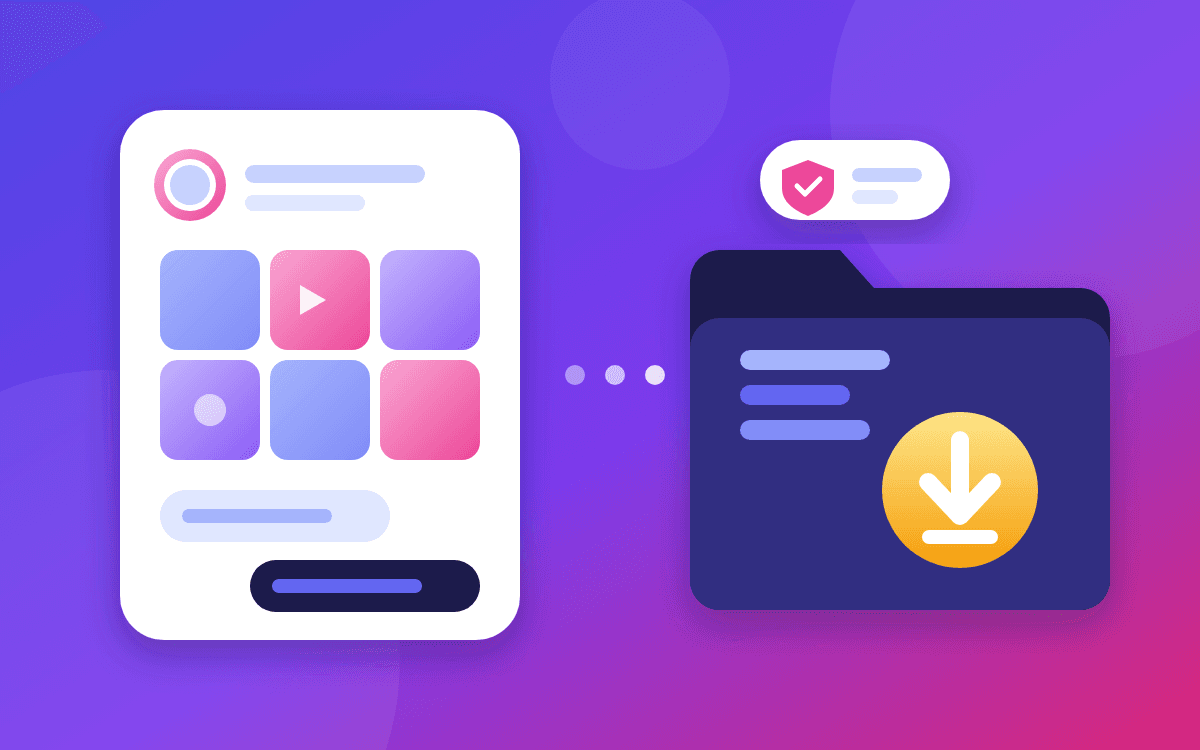
How to Download Your Instagram Data: Back Up Photos, Videos and Messages
Your Instagram account holds years of work: product photos, Reels, captions that sold, and DM conversations with customers. If the account is hacked, disabled…
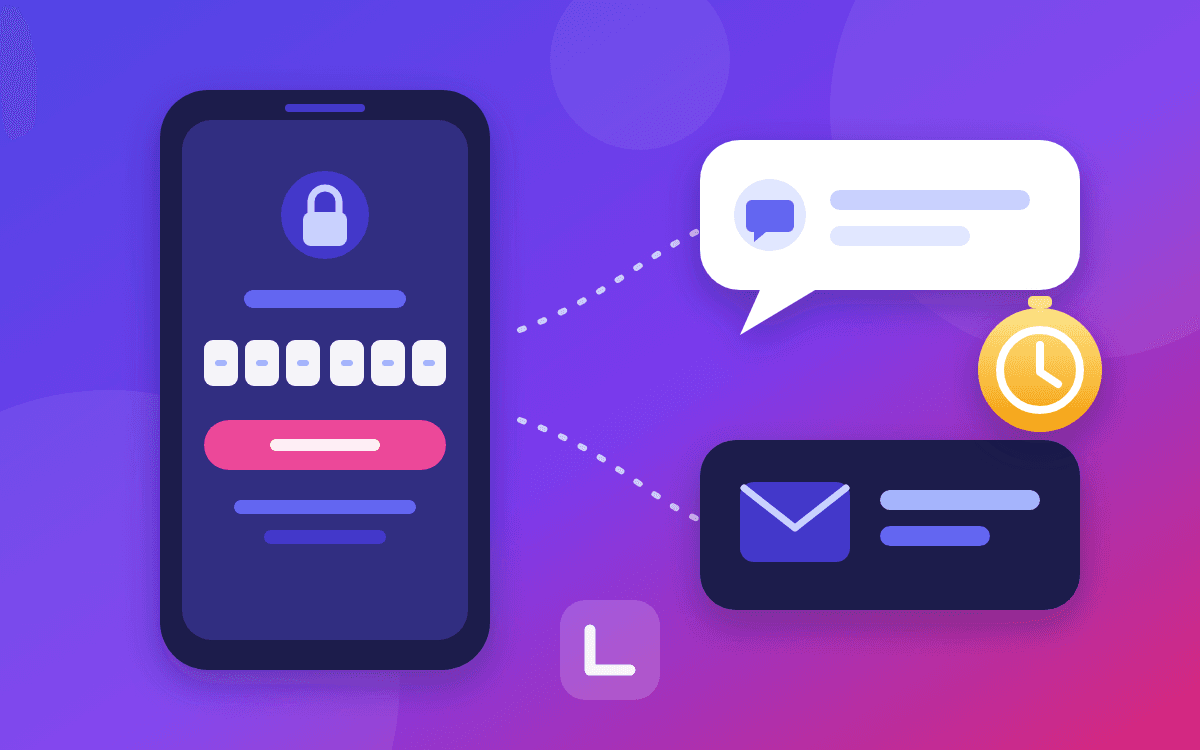
Instagram Not Sending a Code? 8 Fixes for SMS, Email and Login Codes
You type your password, Instagram says it will send a code, and then nothing happens. No SMS, no email, no WhatsApp message. It is one of the most frustrating…
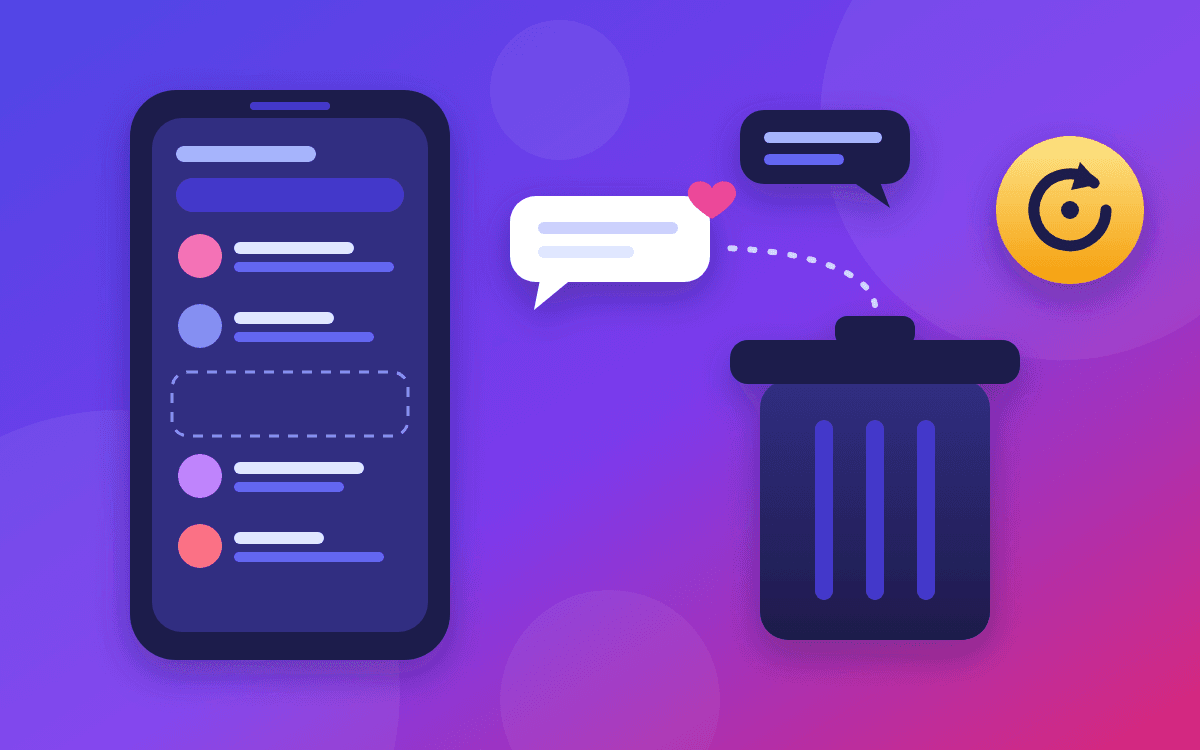
How to Recover Deleted Instagram Messages (DMs): What Actually Works
A customer says "I sent you my address yesterday", you open Instagram and the chat is gone. Maybe you deleted it by accident, maybe a teammate cleaned up the…

Instagram Accounts Center: Where to Find It and What Each Setting Does
Almost every Instagram guide now says "go to Accounts Center" — to change a password, fix an email, turn on two-factor authentication or download your data…
Ready to put your social media on autopilot?
Connect your accounts in minutes and let LevelApp handle replies, scheduling and analytics.